

Introduction
Core Web Vitals are a set of user‑centric performance metrics introduced by Google to measure real‑world experience on websites. These metrics focus on how fast your content loads, how stable your layout is during loading, and how responsive your site feels when users interact with it. In today’s competitive digital landscape, optimizing the core web vitals checklist is no longer optional—it directly impacts SEO rankings, user engagement, bounce rate, and conversions.
This detailed checklist will help you understand and improve the three key Core Web Vitals metrics:
- Largest Contentful Paint (LCP) – loading performance
- Cumulative Layout Shift (CLS)—visual stability
- Interaction to Next Paint (INP)—interactivity and responsiveness
By following this step‑by‑step checklist, you can systematically enhance website performance and deliver a smoother, faster, and more reliable user experience.
Understanding Core Web Vitals
Core Web Vitals are part of Google’s Page Experience signals. They are measured using real user data collected through Chrome User Experience Reports (CrUX). Unlike synthetic lab tests, these metrics reflect actual user interactions across different devices and network conditions.
Why Core Web Vitals Matter for SEO
- They are a confirmed Google ranking factor
- They improve user satisfaction and engagement
- They reduce bounce rate and abandonment
- They increase trust and perceived website quality
A site that passes Core Web Vitals thresholds is more likely to rank higher and retain users longer.
Largest Contentful Paint (LCP)
What is LCP?
Largest Contentful Paint measures how long it takes for the largest visible element on the screen to load. This element is often a hero image, featured video, or large block of text. LCP focuses on perceived loading speed rather than full page load time.
LCP Thresholds
- Good: 2.5 seconds or less
- Needs Improvement: 2.5–4.0 seconds
- Poor: More than 4.0 seconds
Common Causes of Poor LCP
- Slow server response times
- Unoptimized images or videos
- Render‑blocking CSS and JavaScript
- Heavy third‑party scripts
- Poor hosting performance
LCP Optimization Checklist
1. Improve Server Response Time
Fast servers are the foundation of good LCP.
- Use reliable, high‑performance hosting
- Enable server‑side caching
- Use a Content Delivery Network (CDN)
- Optimize database queries
2. Optimize Images and Media
Images are often the largest elements on a page.
- Use modern formats like WebP or AVIF
- Compress images without quality loss
- Serve responsive images using srcset
- Lazy‑load below‑the‑fold images
3. Reduce Render‑Blocking Resources
- Minify CSS and JavaScript files
- Inline critical CSS
- Defer non‑critical JavaScript
- Remove unused CSS
4. Preload Key Resources
- Preload hero images
- Preload important fonts
- Use resource hints like preconnect and dns‑prefetch
5. Optimize Fonts
- Use system fonts when possible
- Limit font families and weights
- Use font‑display: swap
Cumulative Layout Shift (CLS)
What is CLS?
Cumulative Layout Shift measures visual stability by tracking unexpected layout movements during page loading. A high CLS score means elements shift around, causing accidental clicks and poor user experience.
CLS Thresholds
- Good: 0.1 or less
- Needs Improvement: 0.1–0.25
- Poor: More than 0.25
Common Causes of CLS Issues
- Images without defined dimensions
- Ads or embeds loading late
- Web fonts causing FOIT/FOUT
- Dynamic content inserted above existing content
CLS Optimization Checklist
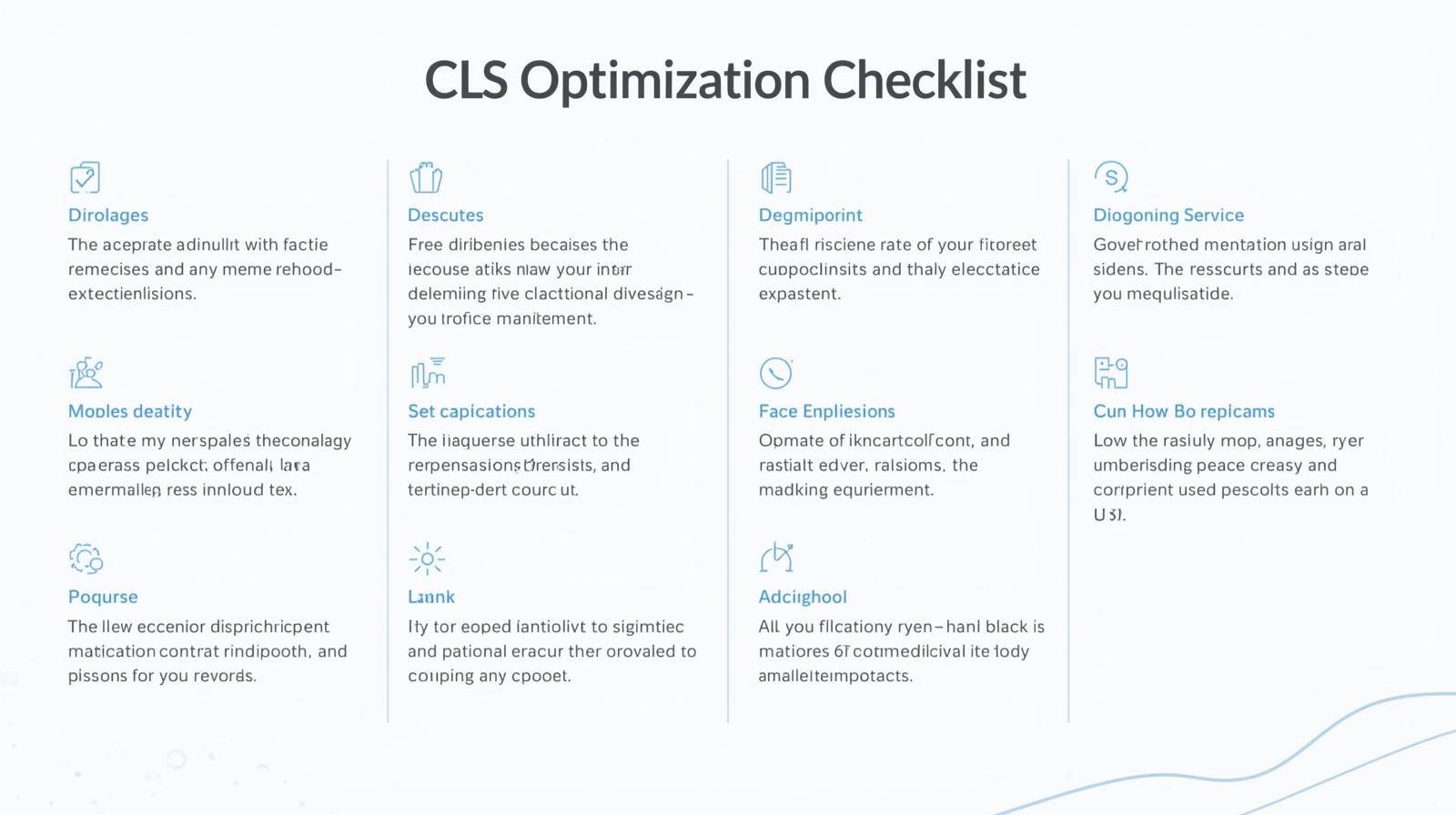
1. Set Explicit Dimensions for Media
- Always define the width and height for images and videos
- Reserve space using CSS aspect‑ratio
2. Avoid Layout Shifts from Ads
- Reserve fixed space for ads
- Avoid inserting ads above existing content
3. Manage Web Fonts Properly
- Use font‑display: swap
- Preload critical fonts
- Limit custom fonts
4. Stabilize Dynamic Content
- Load new UI elements below the viewport
- Use placeholders and skeleton screens
5. Avoid Animations that Affect Layout
- Use transform animations instead of layout‑changing properties
Interaction to Next Paint (INP)
What is INP?
Interaction to Next Paint measures the responsiveness of a website by evaluating how quickly the browser responds to user interactions like clicks, taps, and keyboard input. INP replaced First Input Delay (FID) as a more comprehensive interactivity metric.
INP Thresholds
- Good: 200 milliseconds or less
- Needs Improvement: 200–500 milliseconds
- Poor: More than 500 milliseconds
Causes of Poor INP
- Heavy JavaScript execution
- Long main‑thread tasks
- Excessive event handlers
- Inefficient third‑party scripts
INP Optimization Checklist
1. Reduce JavaScript Execution Time
- Remove unused JavaScript
- Split large bundles using code splitting
- Use tree shaking
2. Break Up Long Tasks
- Keep tasks under 50 milliseconds
- Use requestIdleCallback
- Defer non‑critical tasks
3. Optimize Event Handling
- Use passive event listeners
- Avoid expensive operations in click handlers
- Debounce and throttle events
4. Offload Work from Main Thread
- Use Web Workers for heavy computations
- Avoid blocking DOM updates
5. Limit Third‑Party Scripts
- Remove unnecessary analytics and trackers
- Load third‑party scripts asynchronously
Tools to Measure Core Web Vitals
Recommended Tools
- Google PageSpeed Insights
- Google Search Console
- Chrome DevTools
- Lighthouse
- WebPageTest
These tools help identify issues, track improvements, and monitor real‑world performance.
Core Web Vitals SEO Best Practices
- Monitor performance regularly
- Test on real devices
- Optimize for mobile first
- Prioritize user experience over scores
- Fix issues based on real user data
Common Mistakes to Avoid
- Chasing perfect scores instead of usability
- Ignoring mobile performance
- Overloading pages with animations
- Using too many plugins or scripts
- Not testing after updates
Future of Core Web Vitals
Google continues to evolve Core Web Vitals to better reflect real user experiences. Staying proactive with performance optimization ensures long‑term SEO success and prepares your website for future algorithm updates.
Final Core Web Vitals Checklist Summary
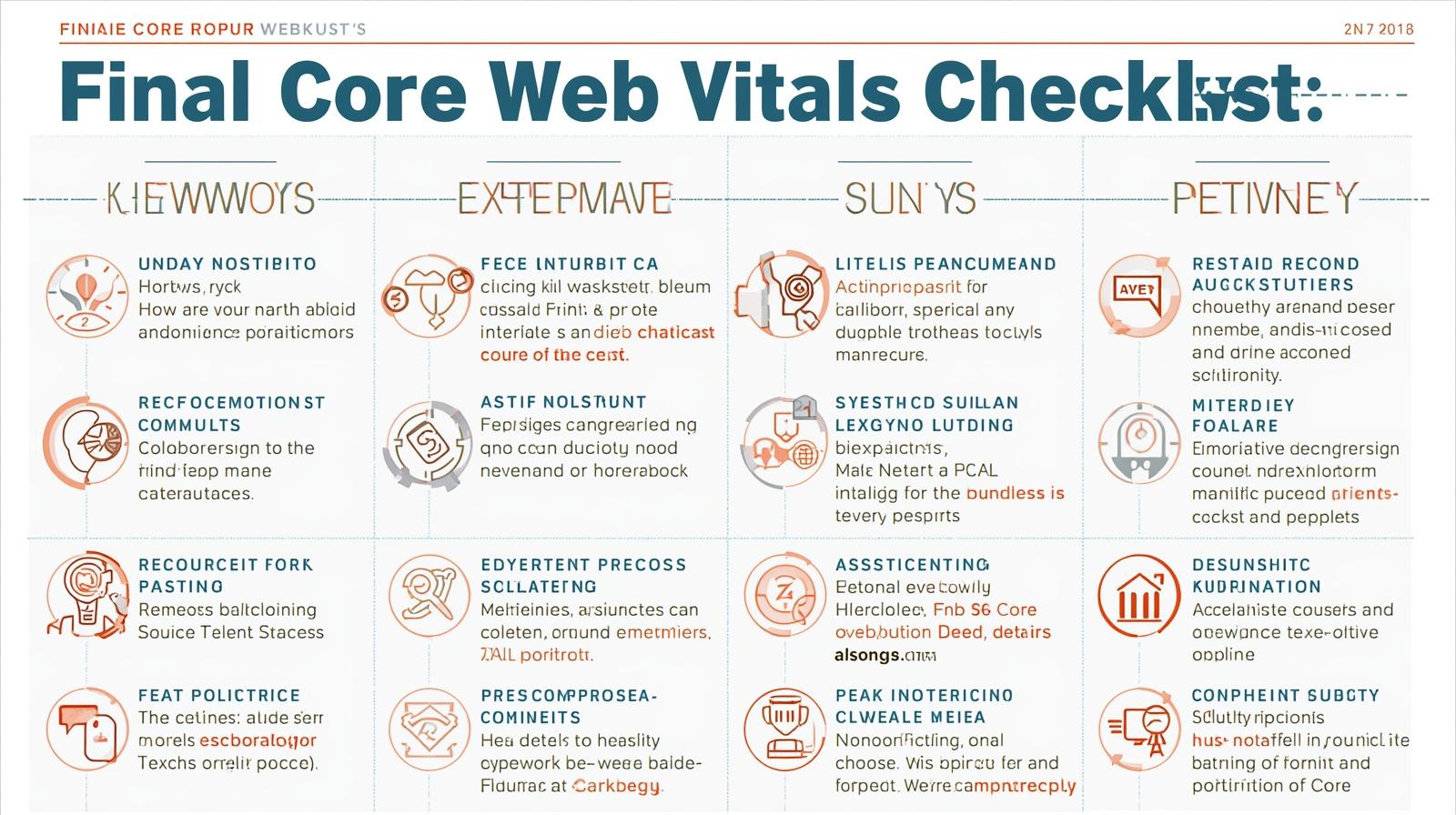
LCP
- Fast hosting and CDN
- Optimized images
- Preloaded critical assets
CLS
- Defined media dimensions
- Stable layouts
- Proper font handling
INP
- Efficient JavaScript
- Short main‑thread tasks
- Responsive interactions
Conclusion
Optimizing the core web vitals checklist is essential for modern websites that aim to rank well and satisfy users. By following this comprehensive checklist to improve LCP, CLS, and INP, you can build faster, more stable, and more responsive web experiences. Consistent monitoring, smart optimization, and user‑first thinking will help you stay ahead in search rankings and deliver exceptional performance across all devices.
