
Google Ads Tutorial for Beginners: Start Step-by-Step (Detailed Guide)
One of the most significant tools in digital marketing is the Google Ads tutorial for beginners. Nearly all online companies nowadays make use of Google Ads to access new markets. Google Ads can be a skill that can actually assist you, whether you are a student, a freelancer, a small business owner, or someone who wants to learn about marketing online.
The guide is primarily targeting beginners. It is in simple English, yet it details how Google Ads works in the real world.
What is Google Ads? (Detailed Explanation)
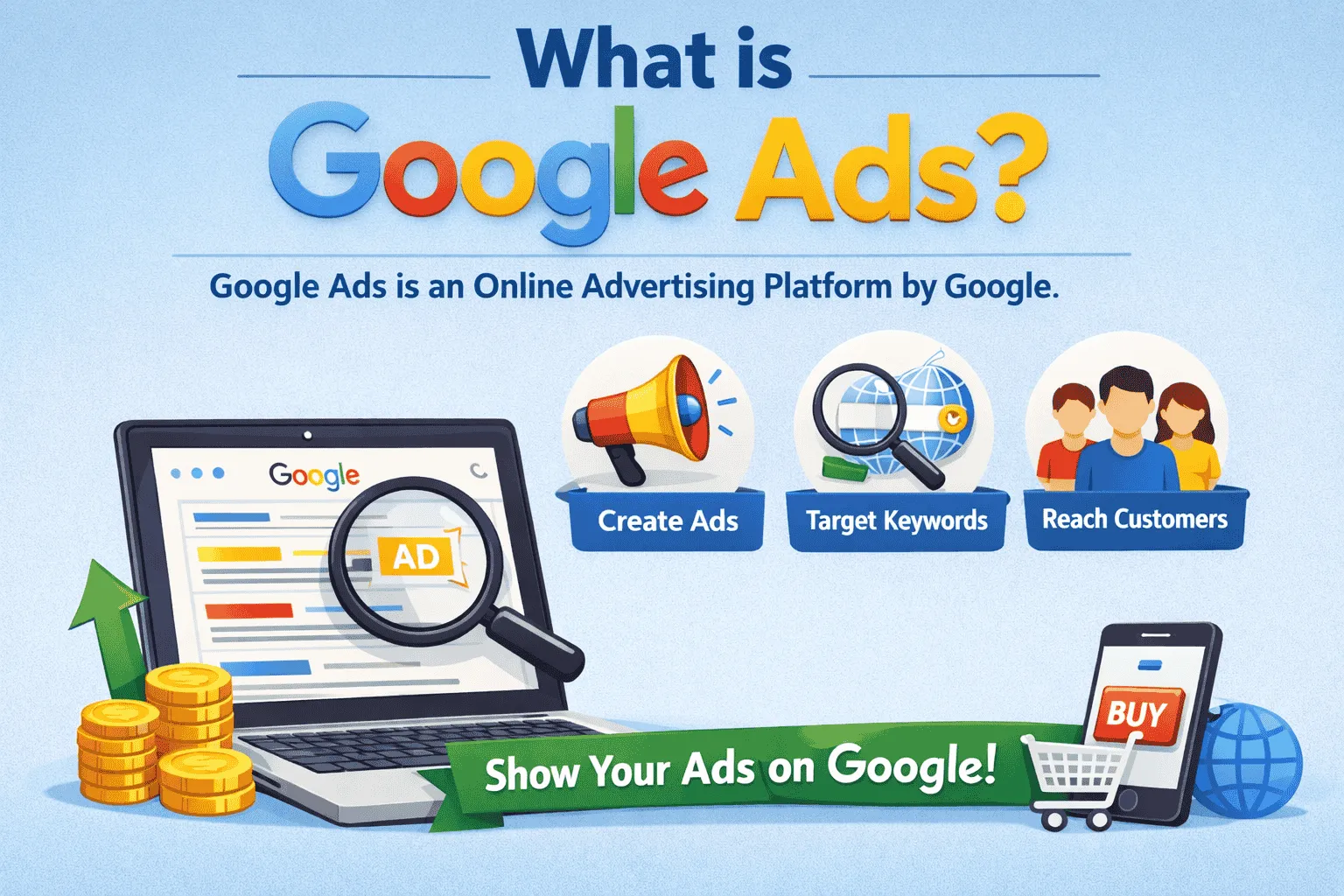
Google Ads is an online advertisement platform that was created by Google. It enables business organizations to display their advertisements to individuals who are searching for related products or services on Google.
Take the case of a mobile phone store as an example. This is what appears when a person enters the query on Google:
“Buy an iPhone in Pakistan.”
Google shows many results. These initial results contain the small word “Ad,” which is written next to the results. These are Google Ads.
In plain words, Google Ads make your business appear on the first page of Google when people already want to purchase something.
This is quite effective since you are not placing ads in front of random individuals. You are placing advertisements in front of individuals who are already on the hunt for what you are offering.
How Google Ads Works (Real-Life Simple System)
Google Ads works on something called an auction system. But don’t worry, it’s very simple.
Let’s say:
-
You sell shoes
-
Another person also sells shoes
-
Both of you want your ad to show for “buy shoes online.”
Now Google will decide whose ad shows first. Google looks at:
-
How much you are you willing to pay
-
How good is your ad is
-
How good is your website?
This combined score is called Ad Rank.
Important point:
The person who pays more does NOT always win. If your ad and website are better, you can beat big companies with a small budget.
This is why Google Ads is fair for beginners.
Why Google Ads is So Important in 2026
In today’s world, everyone searches on Google before buying anything.
People search for:
-
Courses
-
Products
-
Services
-
Restaurants
-
Doctors
-
Freelancers
If your business is not visible on Google, you lose customers.
Google Ads helps you:
-
Show up instantly
-
Beat competitors
-
Control your spending
-
Get targeted traffic
This is why Google Ads is one of the most in-demand digital skills today.
Step 1: Creating a Google Ads Account (Proper Detail)
To start, you need a Google Ads account.
You need:
-
A Gmail account
-
Your website link
-
Basic business info
-
Debit or credit card
When you enter the Google Ads dashboard, you will see:
-
Campaigns section
-
Keywords section
-
Ads section
-
Reports section
This dashboard is like your control room.
From here, you manage everything.
Step 2: Choosing the Right Goal (Why This Matters)
When creating a campaign, Google asks for your goal.
This is important because Google uses this goal to optimize your ads.
Main goals explained:
Website Traffic
Google will try to bring maximum visitors to your site.
Leads
Google will try to bring people who are more likely to contact you.
Sales
Google focuses on buyers.
Brand Awareness
Google shows ads to more people to increase visibility.
For beginners, choose Website Traffic or Leads because they are easiest to track and understand.
Step 3: Campaign Types (Deep Understanding)
Search Campaign (Best for Beginners)
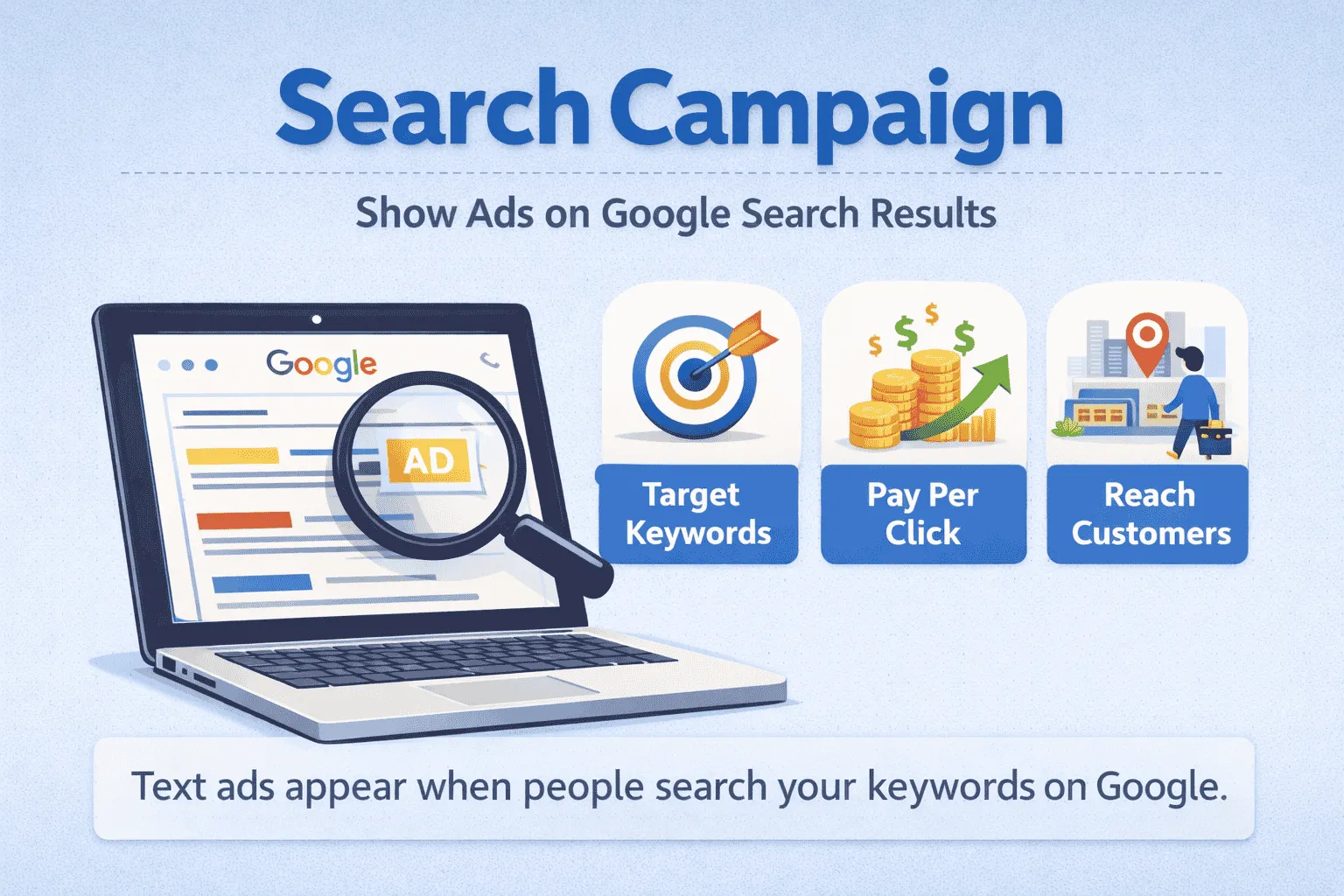
These ads appear when people search on Google.
These people already have an intention.
That’s why search ads give:
-
High-quality traffic
-
More conversions
-
Better ROI
Display Campaign
These are banner ads on websites.
Good for branding, not for beginners.
Video Campaign
YouTube ads.
Good for big brands.
Conclusion:
Start with the Search Campaign only.
Step 4: Keywords (Most Important Part)
Keywords decide everything in Google Ads.
Wrong keywords = waste of money
Right keywords = profit
There are 3 types of keyword thinking:
Broad Keywords
Very general. Expensive.
Example: “shoes”
Medium Keywords
Better.
Example: “sports shoes”
Long-Tail Keywords (Best)
Very specific.
Example: “buy sports shoes for men online”
Long-tail keywords:
-
Cheaper
-
Less competition
-
Better buyers
Always think like a customer:
“What would I type if I wanted to buy this?”
Step 5: Writing Ads That Actually Work
Your ad must:
-
Solve a problem
-
Be clear
-
Be honest
-
Have action
Bad ad:
“We provide many services.”
Good ad:
“Learn Graphic Design Online—Beginner-Friendly Course”
Good ads talk about benefits, notthe company.
Step 6: Budget (Psychology of Spending)
Beginners think:
“Zyada paisa lagaya to zyada result milega.”
This is wrong.
Correct way:
Start small → test → learn → then scale.
If you start with a big budget and the wrong setup, you will lose money fast.
A Google Ads tutorial for beginners is like learning to drive:
First slow, then fast.
Step 7: Targeting (Secret of Saving Money)
Targeting decides WHO sees your ad.
If you don’t target properly:
-
Wrong people click
-
Money waste
-
No sales
Example:
If your service is only in Karachi, target only Karachi.
Never target the whole world if your business is local.
Step 8: Landing Page (Silent Killer)
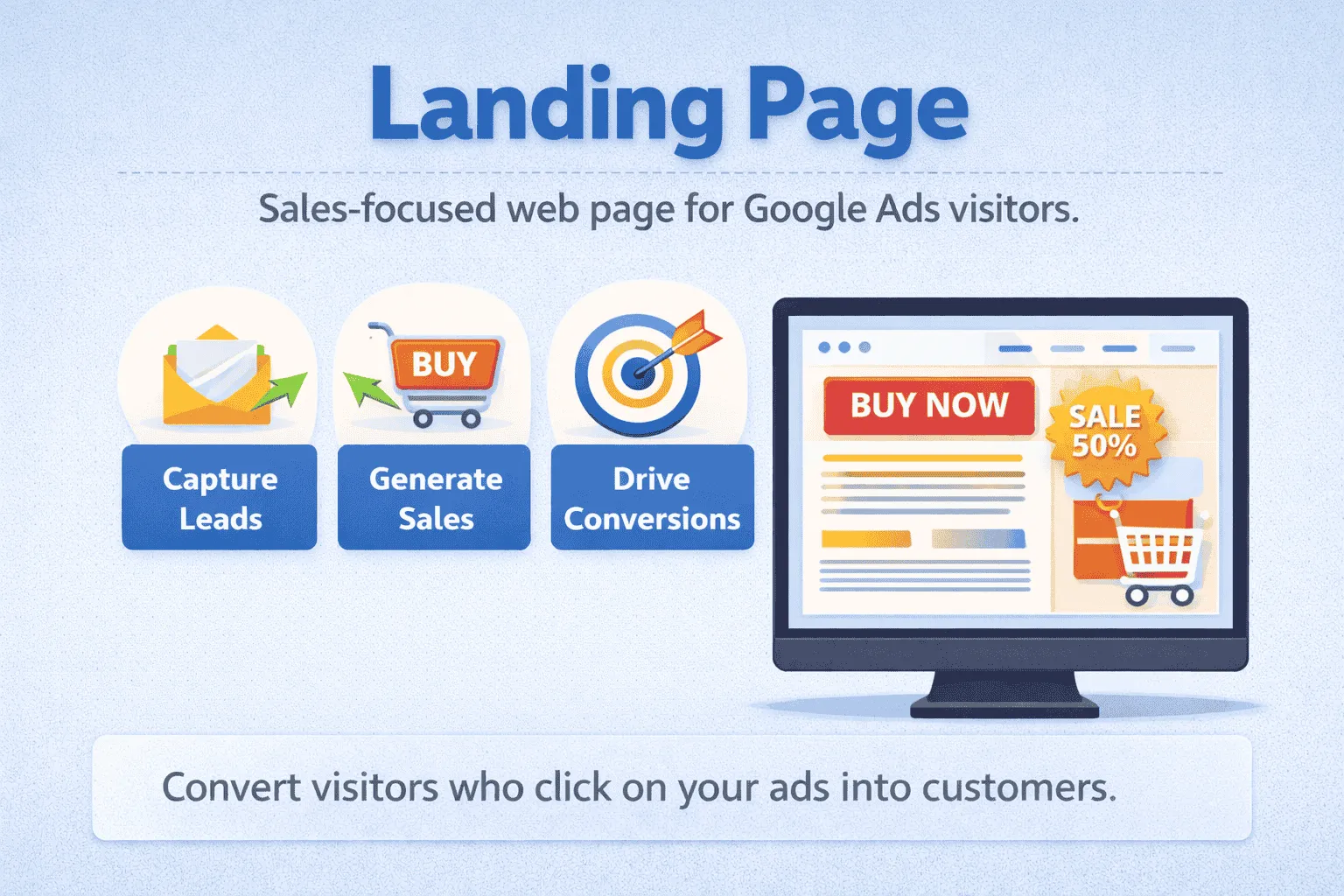
Most beginners ignore the landing page.
But the truth is:
80% success depends on the landing page.
Your landing page should:
-
Match your ad
-
Be simple
-
Have one clear goal
-
Be mobile-friendly
-
Load fast
Even a perfect ad fails with a bad landing page.
Step 9: Launching and Reality Check
When you launch your first campaign:
Don’t expect magic.
The first week is for:
-
Data
-
Learning
-
Testing
Google Ads is not a lottery.
It’s a skill.
Step 10: Optimization (Real Skill)
This is where professionals win.
Every week you:
-
Remove bad keywords
-
Improve ads
-
Test new headlines
-
Adjust budget
This is called optimization.
People who optimize make a profit.
People who don’t quit.
Conclusion:
The Google Ads beginner tutorial is among the most useful and efficient tools in the line of online marketing, particularly for beginners who wish to have quick and actual results. It enables you to find the correct audience at the correct time, manage your budget, and quantify everything. Through these simple concepts such as keywords, advertisement writing, targeting, and optimization, anybody can be able to use Google Ads without any technical expertise. The secret is not to spend more money, but to learn, test, and improve step by step. Regular practice and intelligent choices can make Google Ads a significant means of growing a business, establishing a career, or earning an income online.

