

Best FAQ Schema Generator Tools (Free + Paid)
The schema markup of the FAQ is one of the most efficient ways to optimize your search to shine through the search results of Google. It also allows search engines to display your commonly used questions directly beneath your page listing, and this will form rich snippets that will attract more attention from users. It is possible that these stronger results improve the click-through rates, contribute to higher trust, and enhance organic traffic. But manual writing of schema code is not easy to learn. That is why FAQ schema generator tools can be of great use.
What is FAQ schema markup?
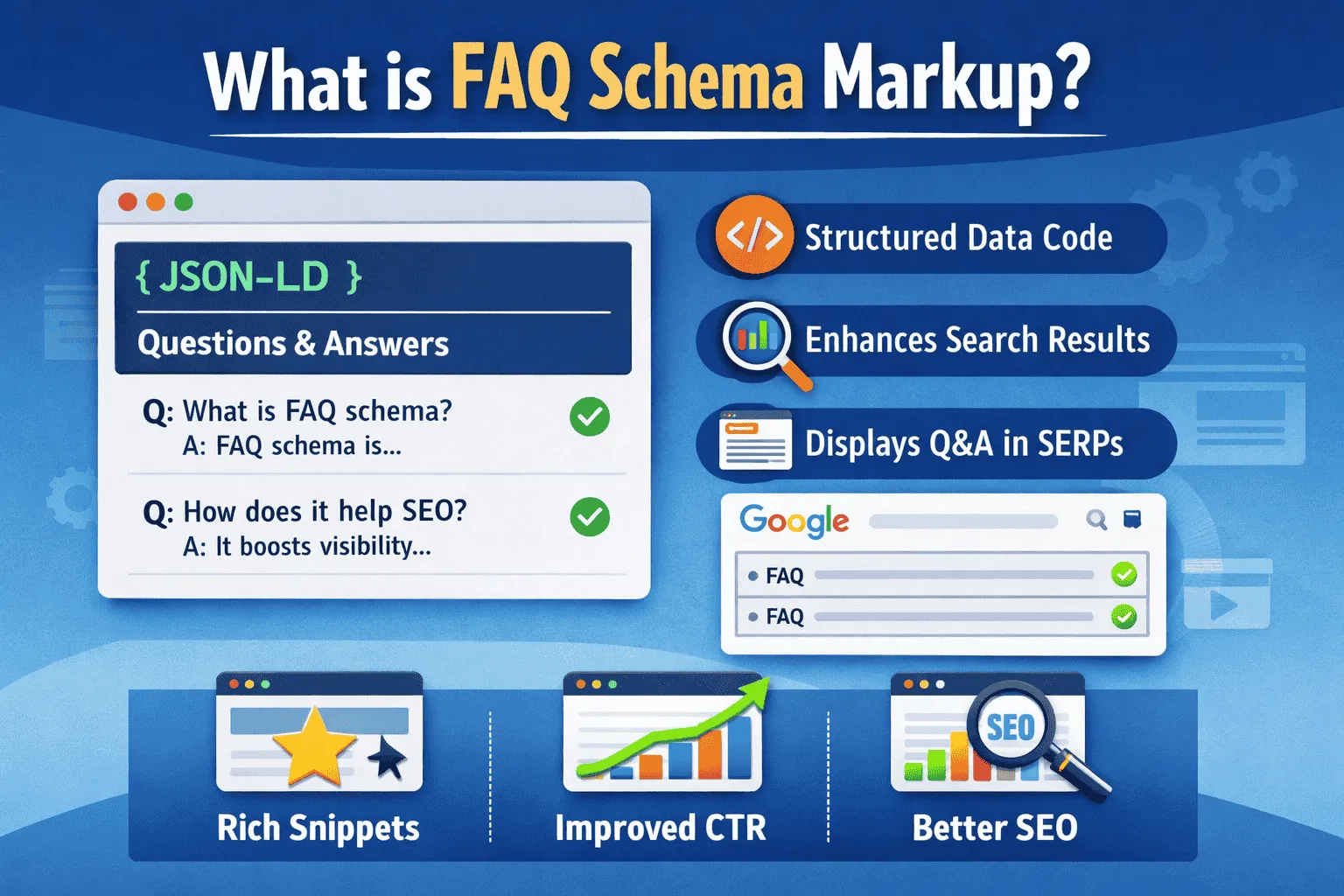
FAQ schema markup is a special type of structured data code that tells Google:
“This page contains questions and answers.”
When Google understands that, it may show your FAQs directly in search results.
Example:
Q: What is schema markup?
A: Schema markup is code that helps search engines understand content better.
This is useful in that users receive quick answers, and your result will look better.
Why the FAQ Schema is Important for SEO
FAQ schema gives many SEO benefits.
1. Helps You Get More Clicks
When your result shows FAQs, more people click because it looks more helpful.
2. Increases Search Visibility
FAQ rich snippets take up more space in Google, so your website stands out.
3. Builds Trust
People trust websites that answer questions clearly.
4. Improves User Experience
Visitors get quick answers without scrolling too much.
5. Boosts Organic Traffic
Higher clicks and better appearance lead to more organic traffic.
What is an FAQ schema generator tool?
An FAQ schema generator tool helps you create schema code automatically.
Instead of writing difficult JSON code, these tools allow you to:
✅ Add questions
✅ Add answers
✅ Generate schema code
✅ Copy and paste it easily
These tools are best for:
-
Bloggers
-
Affiliate marketers
-
Local business owners
-
WordPress beginners
-
SEO agencies
Best Free FAQ Schema Generator Tools (Detailed)
Let’s explore the top free tools first.
1. Merkle FAQ Schema Generator (Free)
Merkle’s schema generator is one of the easiest tools available online.
Why It’s Popular
✅ Very simple to use
✅ No account required
✅ Generates clean JSON-LD schema
✅ Perfect for beginners
How to Use the Merkle Tool
-
Open Merkle FAQ Schema Generator
-
Enter your question
-
Enter your answer
-
Click “Add Question.”
-
The tool creates schema code instantly
-
Copy and paste into your page
Best For
✔ Bloggers
✔ Small websites
✔ Beginner SEO users
2. Rank Math FAQ Schema (Free WordPress Plugin)
Rank Math is one of the best SEO plugins for WordPress, and it includes FAQ schema features.
Benefits
✅ No coding required
✅ Add FAQs directly inside blog posts
✅ Automatically adds schema markup
✅ Works perfectly with the Gutenberg editor
How to Add FAQs with Rank Math
-
Install Rank Math plugin
-
Open any post
-
Add FAQ block
-
Type questions and answers
-
Publish the post
Best For
✔ WordPress bloggers
✔ Affiliate sites
✔ SEO beginners
3. Yoast SEO FAQ Block (Free + Premium)
Yoast is another trusted SEO plugin.
Features
✅ Easy FAQ block
✅ Adds schema automatically
✅ Clean design
Limitations
Some advanced schema options require a premium.
Best For
✔ Bloggers using Yoast
✔ Simple FAQ sections
4. TechnicalSEO.com FAQ Schema Generator
This is another excellent free tool made for SEO professionals.
Key Features
✅ Supports FAQ + HowTo schema
✅ Provides clean, structured data
✅ Great for technical users
✅ No login needed
Best For
✔ SEO experts
✔ Advanced bloggers
5. Google Structured Data Markup Helper (Official)
Google offers its own schema markup helper.
Advantages
✅ Trusted Google tool
✅ Helps label FAQs visually
✅ Good learning tool
Disadvantage
Not beginner-friendly for everyone.
Best For
✔ Developers
✔ People learning schema
Best Paid FAQ Schema Generator Tools (Detailed)
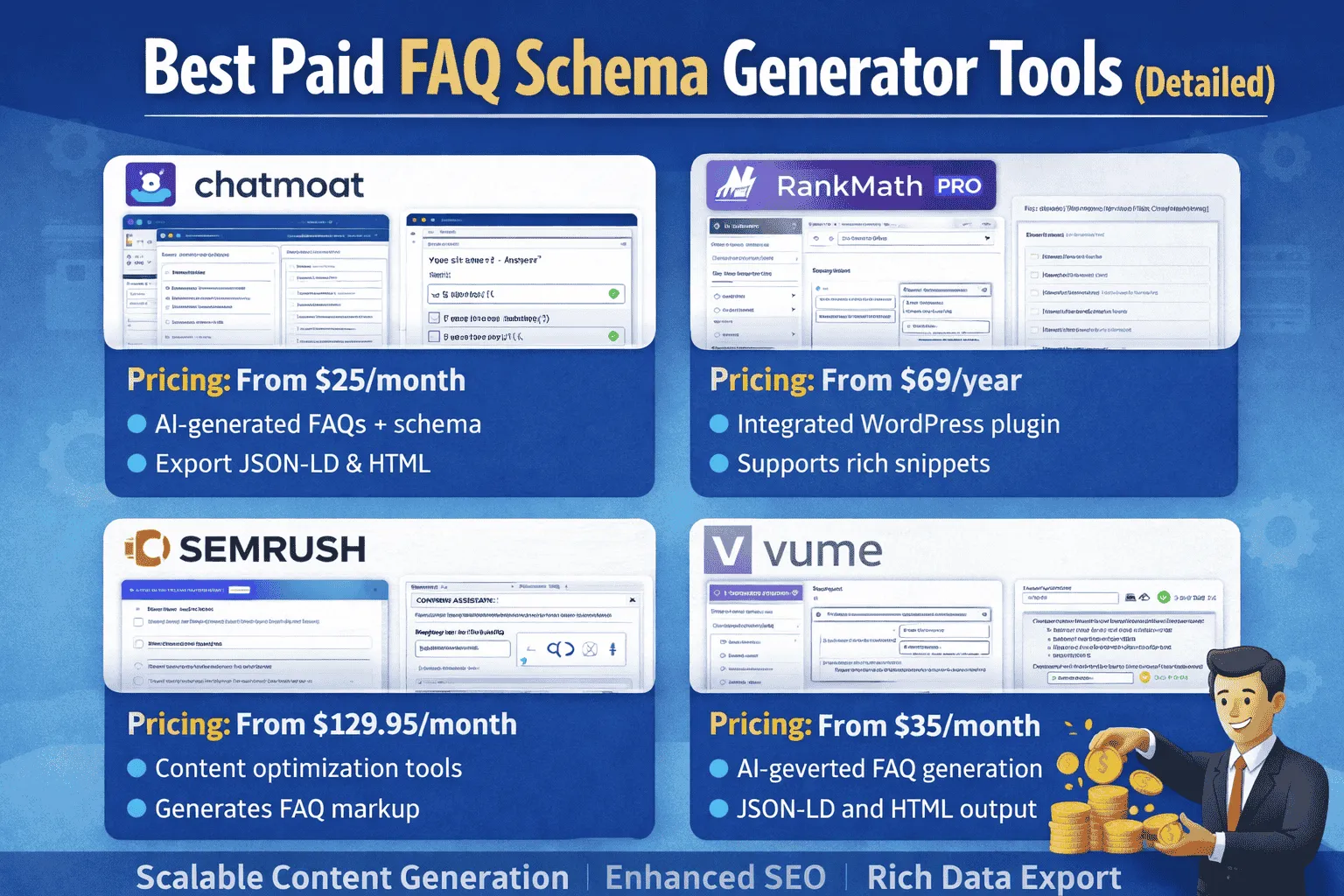
If you want more automation and advanced options, paid tools are worth it.
6. Schema Pro (Premium Plugin)
Schema Pro is one of the best-paid schema plugins for WordPress.
Why It’s Powerful
✅ Supports many schema types
✅ FAQ schema automation
✅ Works across the entire website
✅ Perfect for agencies
Best For
✔ Large sites
✔ Professionals
✔ Businesses
7. WP SEO Structured Data Schema Pro
This plugin provides strong rich snippet features.
Features
✅ FAQ schema support
✅ Product + review schema
✅ Custom structured data
Best For
✔ Affiliate websites
✔ eCommerce blogs
8. JSON-LD Schema Plugin (Advanced Paid)
This tool is best for full control over the schema.
Benefits
✅ Custom schema templates
✅ Great for technical SEO
✅ Works beyond FAQs
Best For
✔ Developers
✔ SEO agencies
Free vs Paid Tools Comparison
| Feature | Free Tools | Paid Tools |
|---|---|---|
| Basic FAQ Schema | ✅ Yes | ✅ Yes |
| Easy Setup | ✅ Yes | ✅ Yes |
| Advanced Automation | ❌ No | ✅ Yes |
| Multiple Schema Types | Limited | Full Support |
| Best for Agencies | ❌ No | ✅ Yes |
How to Add FAQ Schema Correctly (Step-by-Step)
Step 1: Create FAQ Content
Make sure FAQs are visible on the page.
Example:
Q: What is the FAQ schema?
A: It is structured data for FAQs.
Step 2: Generate Schema Code
Use Merkle or other tools.
Step 3: Paste Code into Website
Add the JSON-LD in:
-
HTML page
-
Header section
-
WordPress custom code plugin
Step 4: Test Your Schema
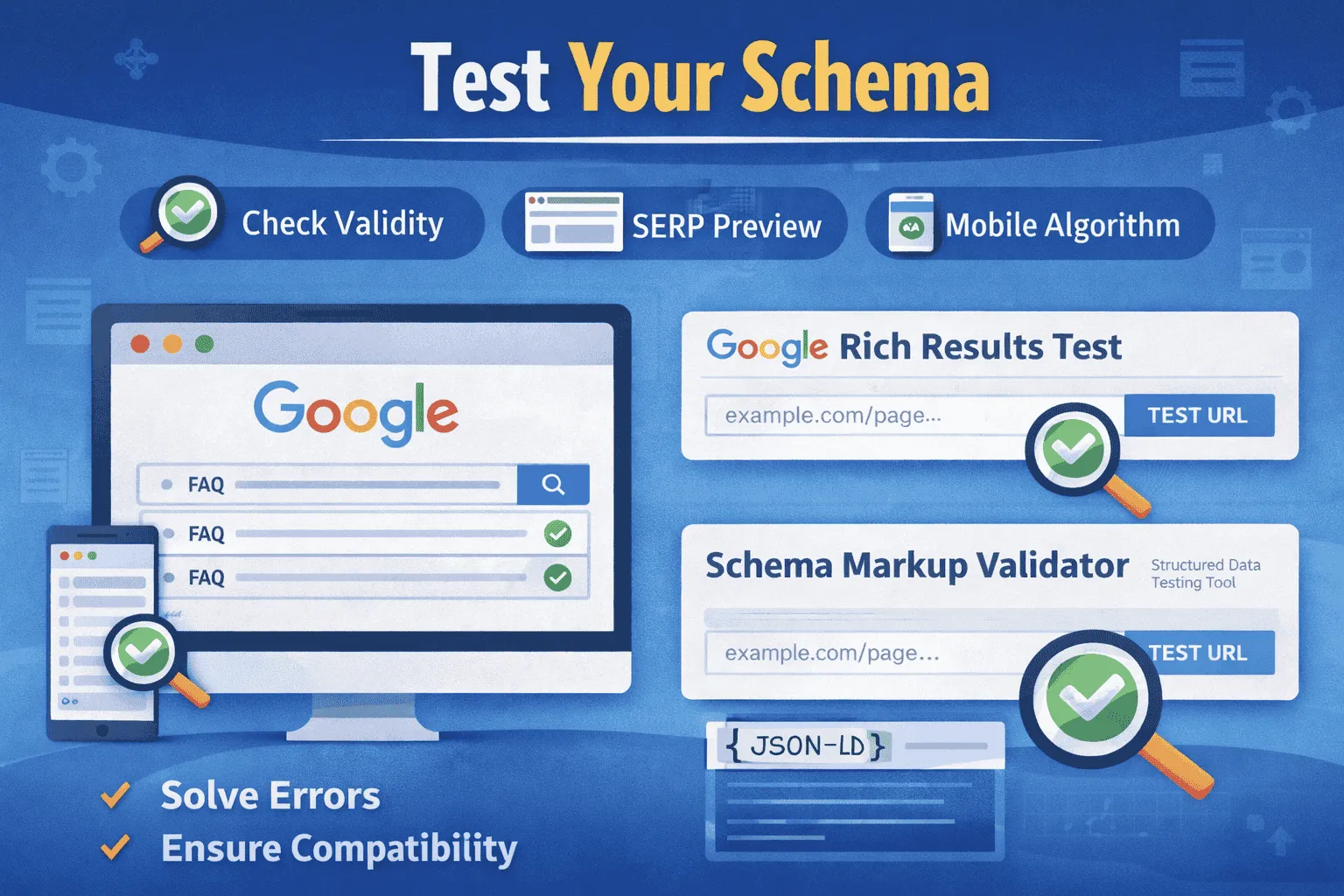
Use Google Rich Results Test to ensure the schema is valid.
Common Mistakes to Avoid
❌ Adding FAQs that are not on the page
❌ Using fake or misleading answers
❌ Overusing schema on every page
❌ Not testing structured data
❌ Stuffing keywords inside answers
Conclusion
One of the simplest SEO solutions is the schema markup of the FAQs to enhance the results on Google search. It makes your content look richer with snippets, gets more clicks, and creates trust. The process can be easily done using the tools of the FAQ schema generator, even by beginners. Mini websites can use free tools such as Merkle and Rank Math, whereas more professional sites can use Schema Pro, which is available as a paid tool. With the addition of the FAQ schema and proper testing with the Google tools, you will be able to increase both the visibility of your SEO and achieve more organic traffic in the long run.

