

Image SEO Optimization: Alt Text + Compression + WebP
Introduction
Images are critical in digital marketing and the optimization of websites to attract and engage users. Nevertheless, image SEO optimization may also lead to performance and load speed of the websites and SEO problems unless optimised correctly. Image SEO Optimization refers to the act of optimising images on a given site in order to improve their visibility on search engines, faster loading time, and user experience. The key methods are alt text, image compression, and WebP format, which have resulted in enhanced performance, accessibility, and search engine optimization.
This paper discusses the concept of image SEO optimisation in depth, including how to write good alt text, compress images without compromising quality, and utilise the WebP format to reduce loading times and increase SEO performance.
1. What is Image SEO?
Image SEO is defined as the techniques of optimizing the images on a website in order to be found and indexed by search engines such as Google. Optimised images can be used to enhance organic traffic, page load speed, and user experience, which are important aspects of SEO.
Optimization of images is needed, as it may lead to slow page loading, lack of accessibility, and loss of the chance of ranking through the Google Image search.
Key points:
- Enhances web presence in image search.
- Enhances page load speed
- Increases organic traffic
- Enhances interaction and usability.
2. Why Image SEO is Important
The images are not merely decorative; they have a great deal of SEO potential. Search engines have several bases of ranking pages, and images play a role in these bases in a number of ways:
Benefits of Image SEO:
- Improved Positioning in the Search Engines: Optimised images allow pages to rank in the Google image search results.
- Quick Loading of Website: Compression of files should be done properly to decrease the size of files, making the site load faster, which is a ranking factor.
- Improved User Experience: Clarity and quick loading: The clear images that are quickly loading attract users and minimise the bounce rate.
- Accessibility: Alt text gives blind users the ability to comprehend images.
- Image Search Traffic: Optimised images may generate traffic regardless of the content.
3. Alt Text: The Foundation of Image SEO
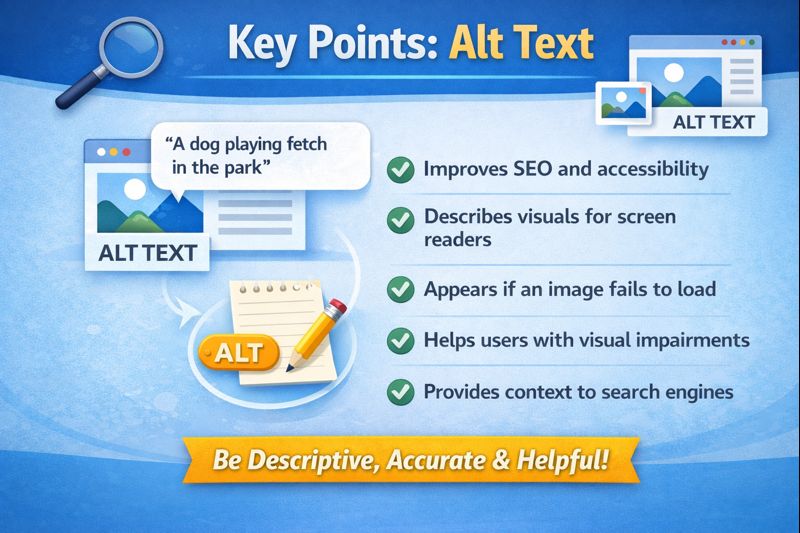
Alt Text (Alternative Text) is a descriptive text attribute added to images in HTML. It describes what the image is about. Alt Text is important for both SEO and accessibility.
Example in HTML:
Why Alt Text Matters
Alt text can be used for three purposes:
- Accessibility: Alt text is used by screen readers to describe images to visually impaired users.
- SEO: Search engines are not able to see the images, and they also need to have alt text to determine the content.
- Fallback Content: In case of an image failure to load, Alt Text will be shown, which will give some context.
A Guide to Writing Good Alt Text.
Be descriptive, yet brief (5 to 15 words).
- Add appropriate keywords in their natural form.
- Avoid keyword stuffing.
- Do not simply give an object; give the purpose or the content of the image.
- Add alternative text to every image so that it is not duplicated.
Example:
Bad Alt Text:<img src="dog.jpg" alt="dog">
Good Alt Text: <img src="dog.jpg" alt="Golden Retriever playing in the park">
Key Points: Alt Text
-
Helps visually impaired users
-
Provides context for search engines
-
Boosts SEO ranking
-
Improves accessibility
-
Must be descriptive, concise, and unique
4. Image Compression: Reducing File Size for Speed
What is image compression?
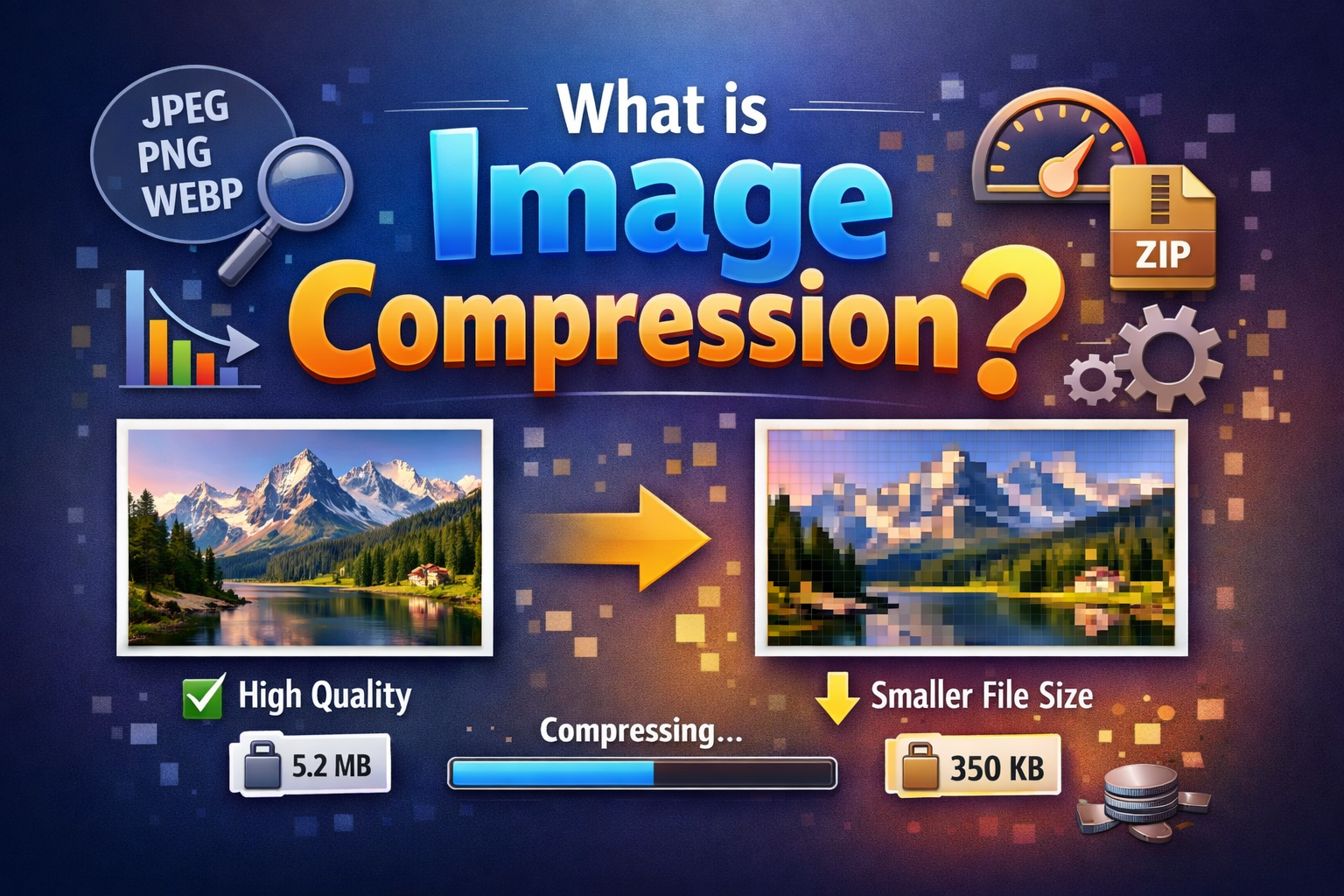
Image compression is a process of making the size of an image smaller and still maintaining the quality of the image. Big images may slow down a site, thereby affecting the speed of the page and SEO.
Why Compression Matters
- Speed on the pages is an SEO ranking.
- Quick websites make the user experience better and decrease the bounces.
- Small images use less bandwidth, and this is valuable to mobile users.
Type of conversion
- Lossless Compression: It is a compression technique that does not reduce the size of the image.
- Lossy Compression: This is a technique by which the file size is reduced by a little bit by lowering the quality of image. Optimal when the quality of pictures on the web should be low.
Tools for Image Compression
- TinyPNG / TinyJPG: A simple compression of PNG/JPG.
- ImageOptim: image compression batch utility.
-
ShortPixel—a WordPress plugin for automatic image compression.
-
Squoosh—Browser-based image compression tool.
Key Points: Image Compression
-
Reduces file size without major quality loss
-
Improves website load speed
-
Enhances user experience
-
Supports SEO by improving Core Web Vitals
-
Use tools like TinyPNG, ShortPixel, or Squoosh
5. WebP Format: The Next-Gen Image Standard
What is WebP?
WebP is a new image file that has been developed by Google that is more compressible than the normal formats such as JPEG and PNG. WebP images tend to be between 25 and 35 percent smaller and still have the same quality.
- Benefits of WebP:
- Smaller file sizes = quicker loading.
- supports transparency, such as PNG.
- Displays animations such as GIFs.
- Works perfectly with the majority of current browsers.
How to Convert Images to WebP
- With Photoshop/Illustrator: WebP export of images.
- Online Tools: Squoosh, Convertio, EZGIF.
- WordPress Plugins: ShortPixel, Imagify, WebP Express.
Key Points: WebP
- A smaller file size = high-speed page loading.
- Keeps the images of high quality.
- Facilitates visualisation and openness.
- Modern website recommended.
- Assists in increasing SEO and user experience.
6. Combining Alt Text, Compression, and WebP for Maximum SEO Impact
Best Practices
- Insert descriptive alternate text using keywords.
- Reduce the load time by compressing images without losing quality.
- Modern browsers can save bandwidth by using WebP format.
- Make pictures mobile-friendly (Responsive).
- Make file names descriptive and search-engine-friendly (e.g.).
Example Workflow:
-
Create image → 2. Compress → 3. Convert to WebP → 4. Add Alt Text → 5. Upload to the website
Benefits of Combined Optimization
-
Faster page load speed → improves Core Web Vitals
-
Better SEO ranking → images contribute to Google search visibility
-
Improved user engagement → users stay longer on the site
-
Increased organic traffic → from both the website and Google Image search
7 The Top Ten Image SEO Blunders.
- Generalised alt text (e.g., image1.jpg).
- Saving huge amounts of data in images that have not been compressed.
- Disregarding mobile optimisation.
- Failure to use descriptive filenames.
- Applying the old formats rather than using WebP.
8. Tools to Help with Image SEO
- Yoast SEO / Rank Math – to give the alt text suggestions and image optimisation.
- TinyPNG / ShortPixel / Squoosh – To compress and convert WebP.
- Google PageSpeed Insights – to test the effect of image performance on the speed of the page.
Conclusion
Image SEO optimisation is a crucial component of modern website management. Alt text, image compression, and WebP format should be used together to enhance the speed of the website, the experience used by the user, and the visibility of the search engine. Optimised images fetch more traffic, increase the level of clicks, and ensure better performance of SEO. Sites that practise these aspects outperform their competitors in terms of natural ranking as well as user interaction.

